Import job offers in 1 click
Read the job open on InfoJobs, LinkedIn Jobs or Indeed Spain and send it to the LaboralCV ATS Editor or Scanner with zero copy-pasting. 100% local in your browser.
- Manifest V3
- 17 KB light
- 0 data collected
- ES · EN · RU · UK
The extension in action
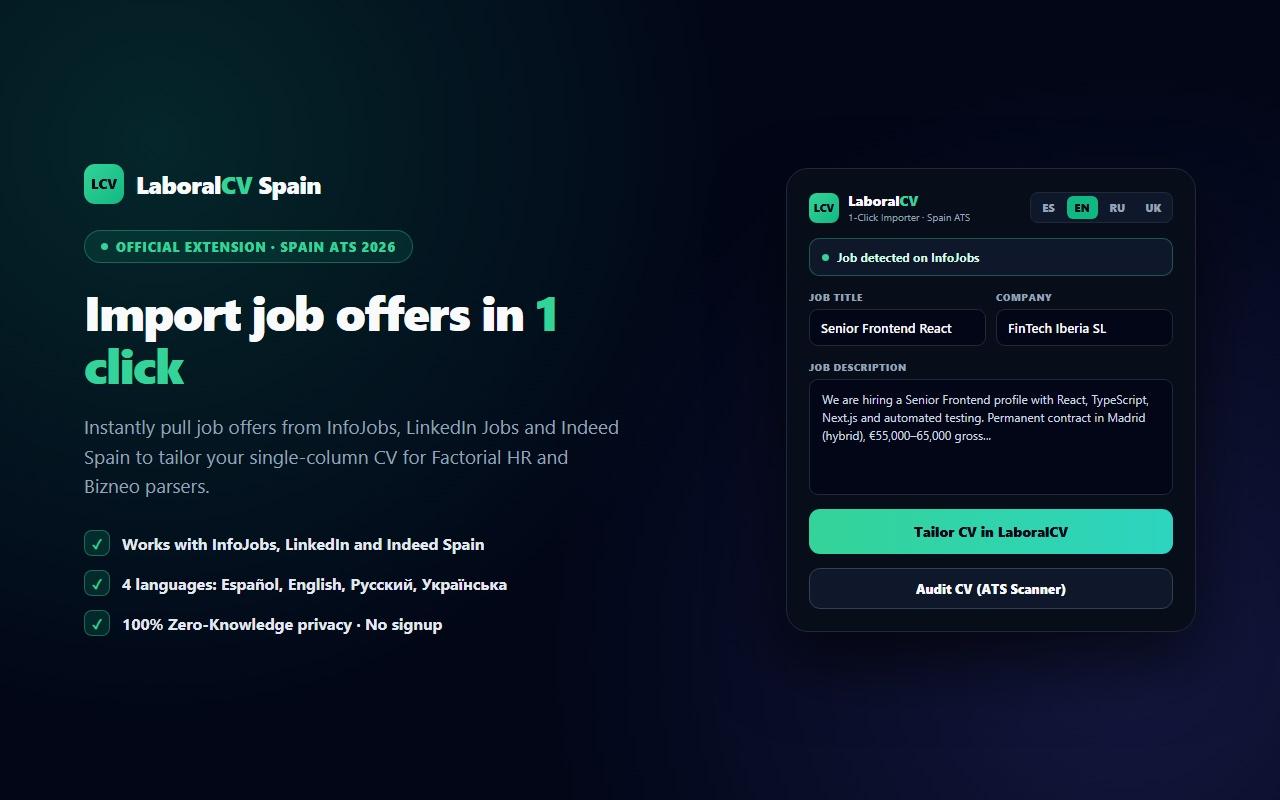
How it works in 3 steps
From job listing to an ATS-tailored CV in under a minute.
- 01
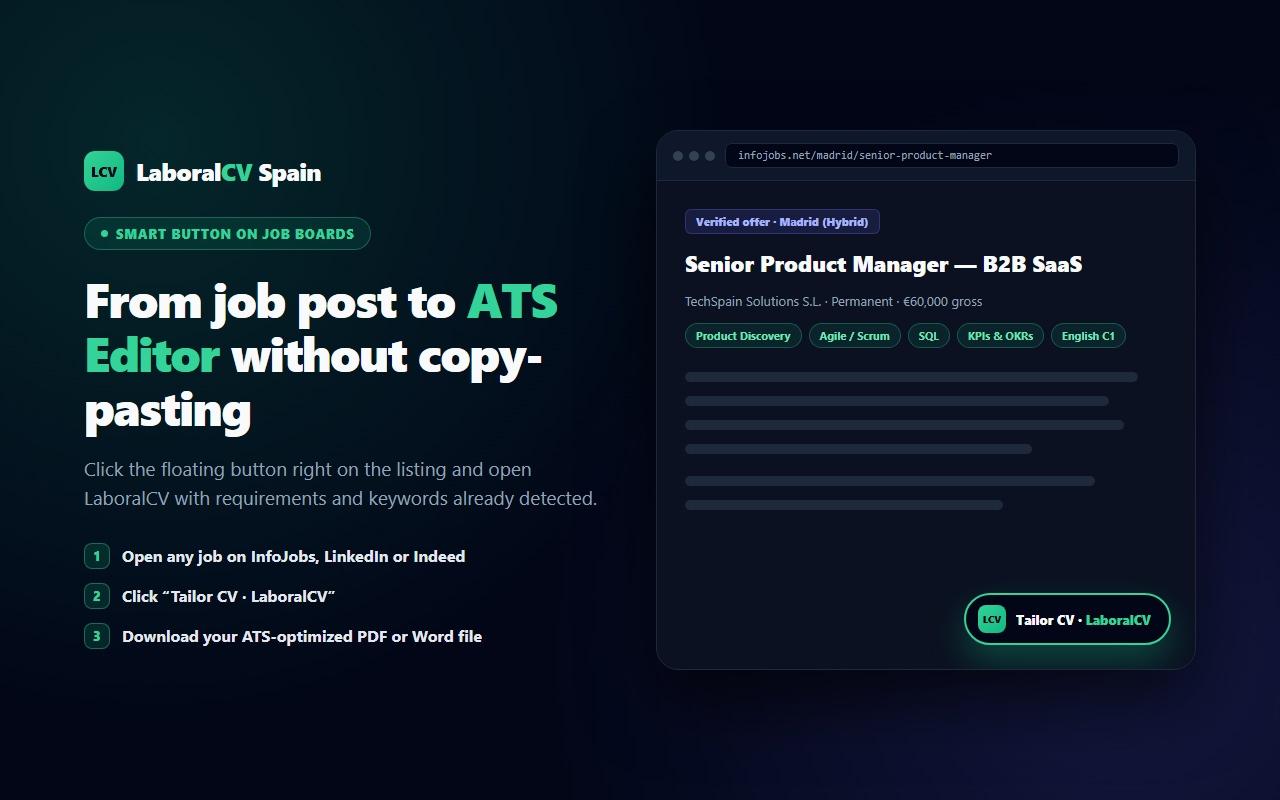
Open a job listing
Visit any role on InfoJobs, LinkedIn Jobs or Indeed Spain.
- 02
Click the button
Press “Tailor CV · LaboralCV” or the extension icon in the Chrome toolbar.
- 03
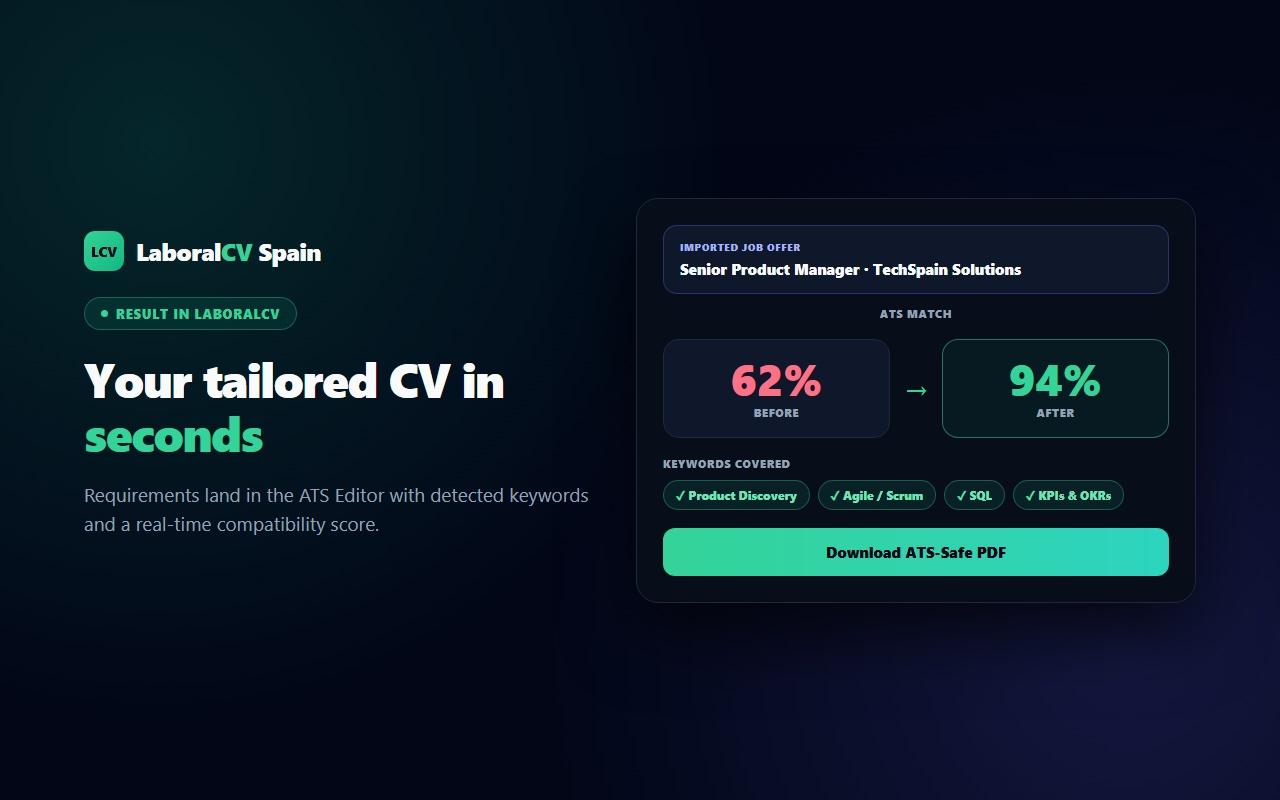
Tailor and download
The ATS Editor opens with title, company and requirements preloaded. Download your PDF or Word file.
Supported job boards
Automatic detection on the three leading portals plus manual mode for any other website.
InfoJobs
Listings from infojobs.net with title, company, location and requirements.
LinkedIn Jobs
Roles from linkedin.com/jobs ready to analyze.
Indeed Spain
Ads from es.indeed.com with the full description.
Zero-Knowledge privacy
Built for GDPR: the extension has no servers of its own and no analytics.
0 data collected
No analytics, no trackers and no accounts inside the extension.
Only on your click
It reads the job only when you press the button or open the popup.
Local handoff
The text travels inside your browser to laboralcv.com and is deleted immediately.
Minimal code
Just 17 KB, no remote code and Shadow DOM isolation for the floating button.
Permissions explained
- activeTab
- Read the job from the active tab when you open the popup.
- storage
- Save your language, the button toggle and the pending job for a few seconds.
- Job-board hosts and laboralcv.com
- Show the button on InfoJobs, LinkedIn and Indeed and hand the job to LaboralCV.
Frequently asked questions
01Is the extension free?
02Does it send my data to any server?
03Does it work on other job sites?
04Which browsers are supported?
05How do I uninstall it?
Tailor your CV to every offer without copy-pasting
Install the free extension and send any job to the ATS Editor in 1 click.